Dark Green Background Code
A dark green background can add a sense of sophistication and elegance to your web design, making it an appealing choice for various applications. But how do you apply this tone to your webpage? Here's a comprehensive guide on creating a dark green background code, discussing the best approaches and providing helpful examples.
Before diving into the code, let's explore the color itself. Dark green is often associated with growth, nature, and prosperity. It's a bold color that can capture attention and evoke a sense of calmness. However, using it as a background requires careful balance to ensure readability and accessibility.
Understanding the Color Hex Code
Every color on the web is defined by a unique hexadecimal code. Dark green typically ranges between #006400 (a deep, dark green) and #66BB6A (a more vibrant, lime green). For a true dark green background, we'll focus on the #006400 range.


Here's a simple example of how to apply a hex code to your background using CSS:
```html ```Setting the Background for the Whole Page
The above example sets the background to dark green for the entire page. This can be powerful for creating a consistent theme, but remember, too much dark green can be harsh on the eyes, especially for long periods of browsing.


Instead, consider using dark green as an accent color for specific elements, like buttons or headers. Save the full-page background for lighter shades to maintain readability.
Changing the Background Color for Specific Elements
CSS property inheritance lets you set different background colors for specific elements. For instance, you might use a lighter shade of green for paragraph text to ensure readability against the dark background:
```html ```Using RGB and HSL Values
In addition to hex codes, CSS allows you to use RGB and HSL values to define your colors. RGB stands for Red, Green, Blue, and specifies colors as combinations of these three primary colors. HSL, on the other hand, uses Hue, Saturation, and Lightness.


Here's how you can set a dark green background using RGB and HSL:
```html ```RGB vs HSL for Dark Green
For dark green, the RGB and HSL values are both equivalent: RGB(0, 100, 0) and HSL(120, 100%, 30%). However, HSL is often more intuitive for creating shades and tints of a color. Experiment with the values to find your desired shade of green.
Remember, while dark green can be a striking design element, it's essential to ensure your text and other content remains visible. Test your designs thoroughly to ensure readability and accessibility.


Embrace the power of dark green, but use it judiciously. After all, every tool in your design toolbox should serve to enhance the user experience, not detract from it. Happy coding!
Related Articles

Green Screen Background Color Code: The Perfect Shade
In the realm of visual effects and video production, the green screen technique is a staple, enabling filmmakers and content creators to transport their...
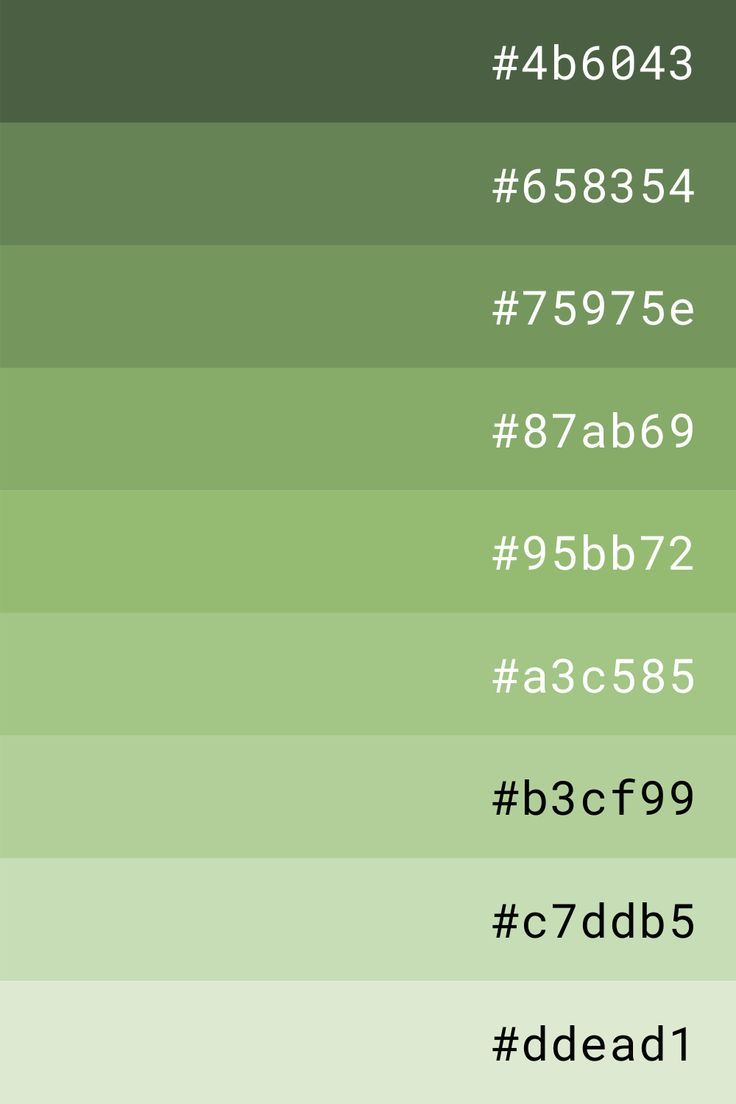
Green Background Hex Code
The vibrant color green, often associated with nature and growth, has its own unique place in the digital world, particularly in the realm of website design...
Decoding Green: Binary Code Backgrounds
A green binary code background, while seemingly unusual, can be a striking choice for web design, offering a modern, eco-friendly aesthetic with a touch of...
Light Green Background Code
Ever desired to add a certain touch of nature to your design projects? A light green background might just do the trick. Not only does it evoke a sense of...
Green Screen Background Hex Code
Ever needed to replace a complex background with a solid color in editing? Meet the versatile Green Screen Hex Code , your key to user-friendly color...

All Dark Grey Background
Delving into the world of color schemes, one often-overlooked but intriguing option is the use of dark grey background. While it may not command the attention...